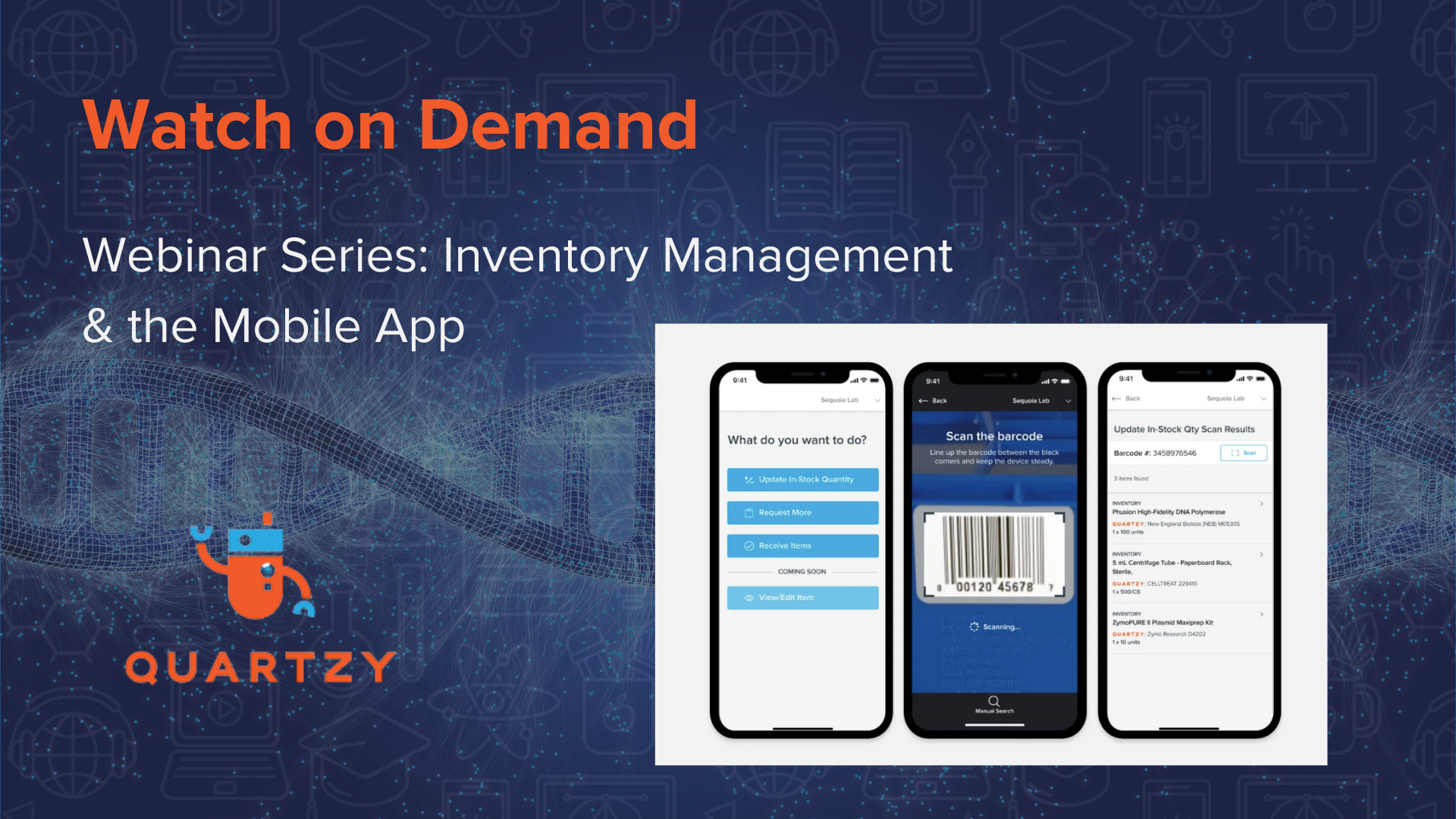
Quartzy September Newsletter: Mobile Apps coming soon and more!

Hello,

Another month has gone by, and I wanted to tell you about some exciting updates to Quartzy. Here are the highlights:

FACILITY ACCESS: Now Facility Administrators can grant access to all current and FUTURE LabMates and Contacts without having to manually approve each person as they join.

FACILITY POSTER: Want to advertise to other scientists how to sign up on one of your facilities? Download and print an auto-generated facility-specific PDF from the Facility module. You can post this on your facilities and instruct members how to reserve time slots using Quartzy

PRESENTATION: Want to do a presentation for the rest of your lab on the benefits of joining Quartzy? Download a succinct power point presentation that goes through the main features of the site: http://www.quartzy.com/Teaching%20Presentation.ppt

VENDORS: New England Biolabs, Worthington Biochemical, and other vendor catalogs are now on Quartzy! If you want more catalogs on the site, make sure to contact your local sales reps and tell them about us.

COMMUNICATE: Chat on inner pages – Do you have questions or thoughts while you’re working on Quartzy? Now you can quickly chat with us or send us a message and we’ll get back to you right way.

SUPPORT: Visit the new Quartzy support site for answers to almost any Quartzy related question you can think of: https://quartzy.tenderapp.com/

SITE VISITS: Want Quartzy to come to you? In the last month, we’ve given presentations at University of Washington, OSU, University of Cincinnati, Duke, UNC, Georgetown, and Wake Forest University. In the coming weeks, we’ll visit Columbia, Rockefeller, Thomas Jefferson, and University of Pennsylvania. We love it when we’re invited to give presentations at universities, and we’ll even provide lunch. Send me an email if you want us to come to you.

That’s all for now. Keep the lines of communication open. We love to hear how we can make your life easier.

Best wishes,
Adam
Quartzy

OpenFreezer: An open source information management system for biological laboratories

Recently Nature Methods published an article on an open source information management system for biological laboratories, called OpenFreezer [1]. OpenFreezer is a fantastic effort and is a freely available software package that is currently used by several laboratories at the Samuel Lunenfeld Research Institute at the Mount Sinai Hospital in Canada.

OpenFreezer recognizes that there is a strong and growing need for flexible tracking system for managing biological resources and addresses this need with their software package that can be downloaded from http://openfreezer.org/

At Quartzy, we believe in the need for such software to manage reagent information given the growth of such collections and we are pleased to have researchers from other parts of the world addresses this unmet need. Given the similarity of our respective missions, it is important to outline how Quartzy differs from OpenFreezer.

The main difference is that OpenFreezer can be installed on a server at your institution while the Quartzy site is hosted by us on our servers. From this difference arise a few notable points of distinction:

Installation: Your IT staff needs to install and customize the OpenFreezer code on your server. With Quartzy you and your lab can create an account at any time and you are ready to start using the site right away.

Trust: If you use Quartzy then you trust us with your data. If you use software like OpenFreezer then your data is on your server and either controlled by you or your IT staff.

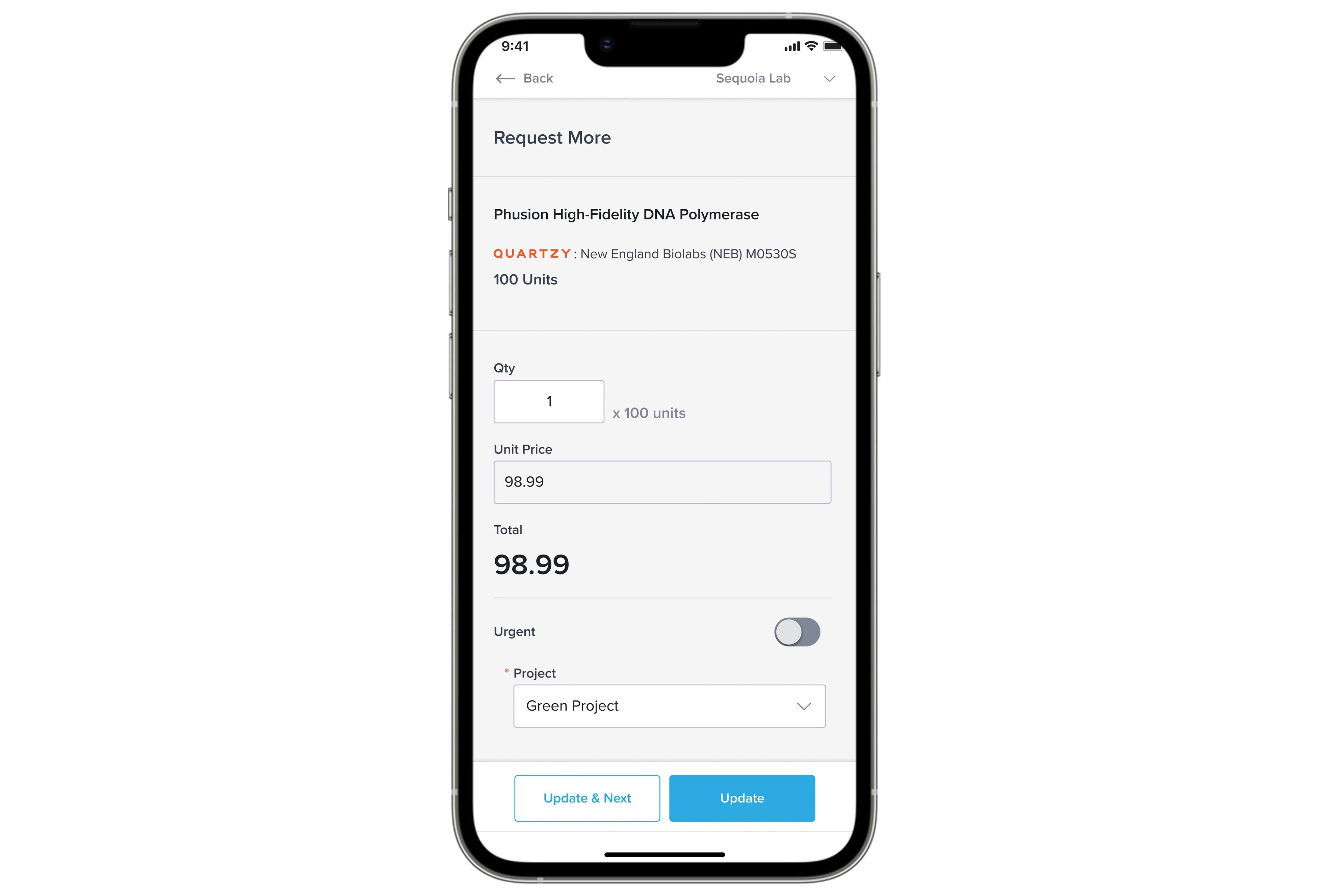
Updates: If you are a long-time Quartzy member then you know that we are constantly iterating and improving the Quartzy code-base. Two years ago we launched with just the inventory management module, and since then we launched three additional modules that help you manage your facilities, orders, and protocols. Over the last two years we have built relationships with leading vendors in the space like Sigma-Aldrich, Life Technologies and others and we host their catalogs so that you can add products to your inventories with ease. Soon we will be launching smart-phone apps. We push new code to the site twice a month. Such rapid and continuous deployment is possible when we host the code on our servers. With OpenFreezer the development cycle could potentially be longer since it is unlikely that your IT staff will update the code-base twice a month.

Back-up: If you were to use Quartzy then you have the benefit of knowing that your data is being backed up by us. I guess this again falls in the category of trust; you trust us when we say that we take extreme care to back-up your inventories. Every day the Quartzy database is backed to a separate drive and every two weeks it is moved to tape and moved off-site. And on Quartzy, you can send yourself Excel backups as frequently as every week.  When you host your database on your server back-ups become your or your IT staff’s responsibility.

Free: A lot of researchers are still smarting from the time when VectorNTI ramped up it’s prices after it was bought by Invitrogen. We often get asked about this issue, and while it is one of our founding principles (hence the tagline: “Quartzy is and will always be free”), and is incorporated into our business model, you need to trust us to believe that.  With OpenFreezer you can be sure that you will always have free access to the software that you have downloaded and installed.

Modifications: Another advantage to using OpenFreezer is that you and your IT staff are free to customize the software to meet your need. With Quartzy the way it works is that you would send us a suggestion/feature request and based on how many people were requesting the same feature it would get into the product pipeline and would be prioritized. So with Quartzy members often make suggestions and influence the product there is no guarantee that your specific suggestion would get done, while with OpenFreezer you are free to rework the code and add modules to develop it as per your needs.

Support: If you use Quartzy then you already know that we are just an email away. We respond to questions from our members all over the world, often in just a couple of hours. If you use OpenFreezer then you have to depend on your IT staff or the source documentation.

Fundamentally, the difference also is that Quartzy is a for-profit company while OpenFreezer is not-for-profit. The Quartzy website is free for scientists to use but we are focused on building a viable company around our core product so that we can continue developing the product, offering support, and building a community of scientists. At the same time, there is a long and illustrious history of open source software from the Linux OS to the plasmid software that we recently reviewed, which has made fundamental contributions to society.

Those are the differences as we see them and in the end your choice will be dictated by your needs. We would love to hear your thoughts and comments below.

[1] OpenFreezer: a reagent information management software system, Olhovsky, M. et. al., Nature Methods 8, 612–613 (2011) (http://www.nature.com/nmeth/journal/v8/n8/full/nmeth.1658.html)

Frugal cloning: A review of free plasmid sequence analysis and drawing software

Molecular cloning has undeniably changed the trajectory of life-science research.  However, without coincident advances in technology and software design, we’d sit, eyes numb, in darkened labs pouring over the As, Gs, Ts, and Cs, to find the patterns we’re looking for.

In the 1990s Vector NTI entered the scene and quickly became the gold standard of plasmid analysis, liberating researchers from the dark ages, giving us the tools to quickly create constructs for our experiments.  But every rose has its thorn, and as we all know, after years of being celebrated as the best plasmid analysis package you could buy, it sold out to Invitrogen.  Applying the Netflix model (before the Neflix model existed) they proceeded to ramp up prices, angering researchers throughout the world.

Fortunately, there were some folks who took up the plasmid analysis cause, creating some truly outstanding tools, and adhering to the Quartzy model of “researchers fly free”.  Here I’ve reviewed a few of the currently available plasmid analysis freeware programs you can download to your Mac or PC.

DNA Strider
Very Basic.  Doesn’t appear to have been updated in a long time.

ApE – Mac / Windows
Created by M. Wayne Davis out of The University of Utah, this program may look small but it’s extremely powerful.  You can easily upload many file formats including genbank, EMBL, FASTA, and DNA Strider.  It can also read ABI sequencing files.  In addition, ApE makes creating printable plasmid maps, and restriction digests quite easy.  The user interface could use a little touching up, but in general this is an extremely powerful tool that can definitely supercharge your research.  Another important fact that I appreciate is that Dr. Davis keeps an active Wiki about the software where he solicits feedback from scientists and responds to it.

PlasmaDNA – Mac / Windows
Created by Alexandre Angers-Loustau, from the University of Helsinki. If you’d prefer a Finnish take on plasmid analysis, there’s PlasmaDNA.  This product definitely gets high marks for how it looks, creating beautiful plasmid maps with little effort.  The Digested fragments are also easily displayed either on a virtual gel or in picture form.  I had difficulty navigating the “Cloning” window, and eventually gave up.  I also found importing FASTA files difficult.  Bottom line is that this is a great basic plasmid editor that creates pretty maps.

Serial Cloner 2.1 –Mac / Windows
A pretty amazing suite of plasmid analysis package from Franck Perez, a cancer researcher at the Institute Curie in Paris.  It does a great job of combining an intuitive graphic interface with powerful features.  Of the tools reviewed in this post, this one comes the closest to giving you the power and usability that VectorNTI does (except that unlike VectorNTI it is free).  You can easily import, translate, and create restriction digests of your favorite plasmids.  The maps are beautiful and quick to design.  It can automatically scan your sequence for relevant genes, and puts them on your plasmid map.  You can import VectorNTI, Genebank, EMBL, ApE and FASTA files, and even connect with the NCBI website to do BLAST alignments.  I had only 2 problems when trying out the software 1) I could not create a reverse compliment of a sequence I was trying to copy to create a PCR primer and 2) it’s kind of annoying to have to scroll through the list of restriction enzymes.  Would be nicer if I could just search for “HindIII” or “EcoR1.”  Other than that, it worked great!

ADDENDUM: Dr. Perez reached out to me to clarify the two points of difficulty I had with the software.  Regarding point #1 – creating a reverse compliment to a PCR primer – This can easily be done by going to Edit -> Use as reverse PCR primer.  Took me a while to find it, but now that I have it will make generating primers easier.  Regarding point #2 – search vs. scroll for restriction enzyme names:  Dr. Perez pointed out that you can actually start typing and the list will move automatically to the enzyme of interest.  However, this only works for the first 3 letters you type unless you’re in the “Sequence Map” window.

I appreciated Dr. Perez’s feedback.  He has designed a truly impressive piece of software and it’s wonderful he takes as much pride in it as he does.


That’s it for now.  Big props to all the developers out there working to accelerate science by providing free software tools to researchers!

Quartzy Magnets

So we made up some fun magnets for the lab. Decorate your 4C, Incubator, or your Labmate’s file cabinet. If you want us to mail them to you send us an email and we will send them your way!

I like the next one. It is very sinister!

And then the final one with a very “Soviet Russia” motif:

Teaching Presentation: Quartzy

A lot of you asked for a presentation that you can use to demo Quartzy during a lab meeting. The “Teaching Presentation” below shows the benefits of using Quartzy and also how to use the key features in each of the 4 modules:

  1. Inventory Management
  2. Order Management
  3. Shared Facilities
  4. Shared Protocols